

 Dec 20,2025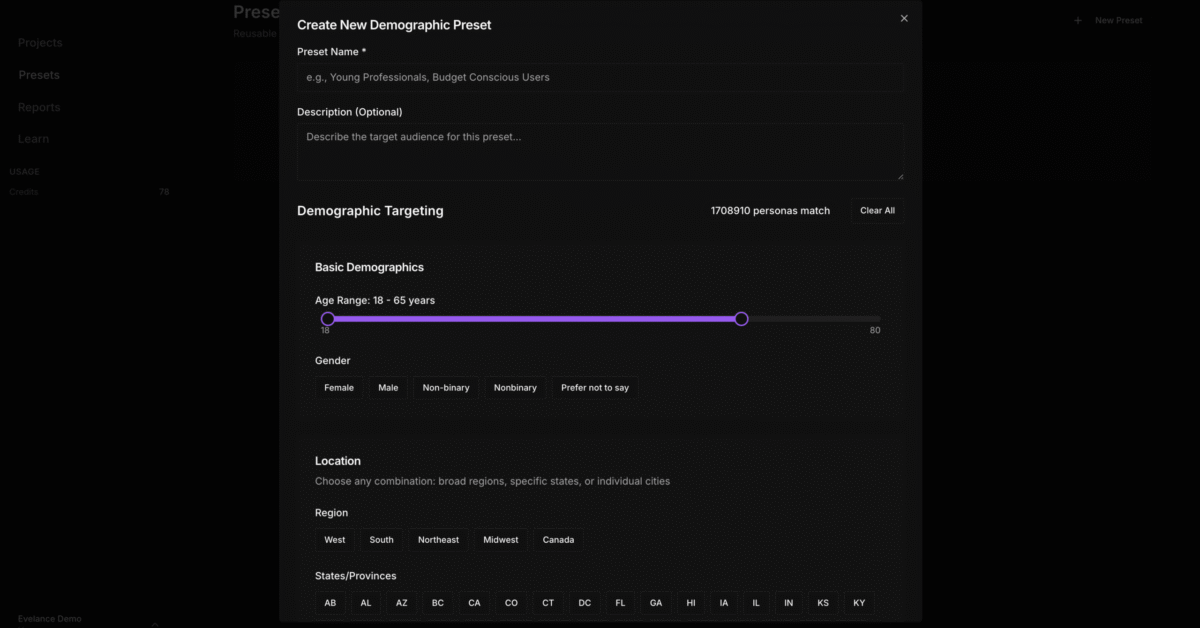
We kept hearing the same thing from users. The audience targeting works great, but having to rebuild it every time gets old fast. Someone would spend 15 minutes dialing in their exact segment, run the test, then realize a week later they need to test that same audience again. Back to the filters. Back to remembering whether it was 35 to 50 or 35 to 55. Back to scrolling through 1,700 job titles trying to find the same ones they picked last time.
So we built Custom Presets.
What It Does
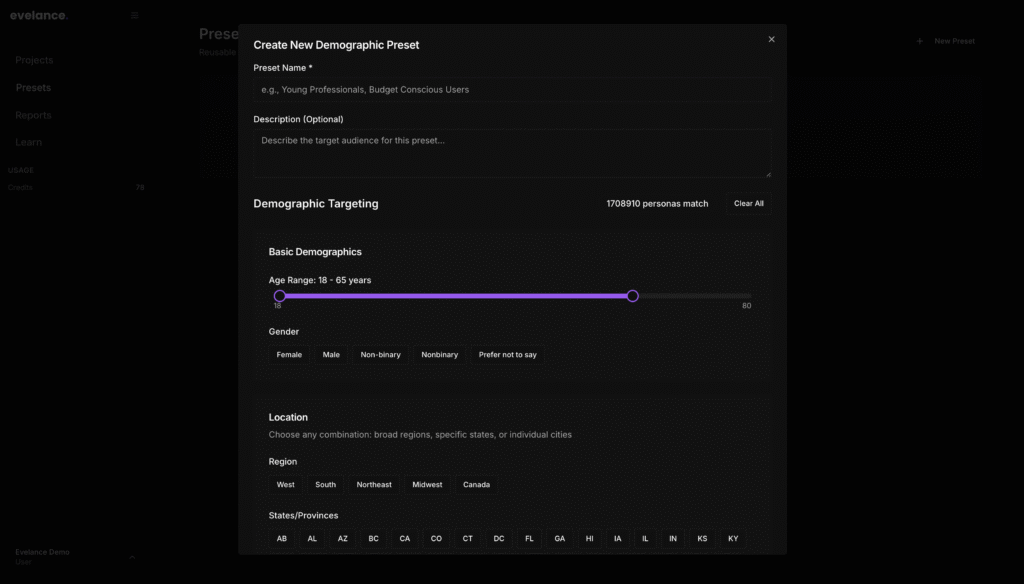
You build an audience once and save it. Give it a name, add a quick description if you want, and that configuration sits in your library waiting for the next time you need it.
When you start a new test, you pull up your saved preset, and Evelance fills in every filter for you. Age range, income bracket, job titles, behavioral filters, tech comfort level, geographic targeting. All of it populates automatically.
If you need to adjust something for that particular test, you can. Tweak the age range or add a filter without affecting the saved version. The original preset stays untouched in your library.
Your presets work across all your projects. Build an audience for one product, use it for another without setting anything up again.
Why People Wanted This
Two reasons kept coming up in feedback.
First, time. Rebuilding the same audience over and over wastes minutes that turn into hours across a month of testing. If you run 20 tests against the same 3 customer segments, that configuration time adds up fast. Users wanted to spend their time analyzing results, not clicking through filter menus they had already figured out.
Second, consistency. When you configure manually each time, small details slip. Maybe you remember the income bracket but forget you had set tech comfort to high last round. You end up comparing results across tests that used slightly different audiences without realizing it. That inconsistency makes your data harder to trust over time.
Presets handle both. Faster setup, identical targeting every time.
How Teams Are Using It
Product teams save presets for each buyer persona they research. A B2B company might have 3 distinct audiences they test against regularly. Technical evaluators who assess functionality, department heads who own budgets, and executive sponsors who approve purchases. Each one requires different filters. Saving each as a preset means every design validation or competitive analysis starts from the correct audience in seconds.
“I was rebuilding our enterprise buyer audience from scratch every week. Now I click one button and I’m running a test in under a minute. It’s a small thing but it changed how often I actually run research.” – Product Manager at Meta
Marketing teams save presets for campaign segments. The audience you built to test landing page copy works for email subject lines and ad creative without rebuilding anything. You maintain consistency across all the touchpoints in a campaign.
Research operations teams build preset libraries that the whole team can access. When everyone pulls from the same saved configurations, you stop worrying about whether different researchers defined the audience the same way.
The Details
Creating a preset takes about 10 seconds after you finish building your audience. You click Save as Preset, enter a name, and optionally add a description. The description helps when you have a library of 15 presets and need to remember what each one targets.
Presets copy between projects. If you built an audience in one project and need it in another, the configuration transfers without touching any filters.
You can have as many presets as you need. There is no limit on how many you save.
Available Now
Custom Presets are now live for all Evelance accounts. No extra charge and nothing else about pricing changes.