

 Dec 02,2025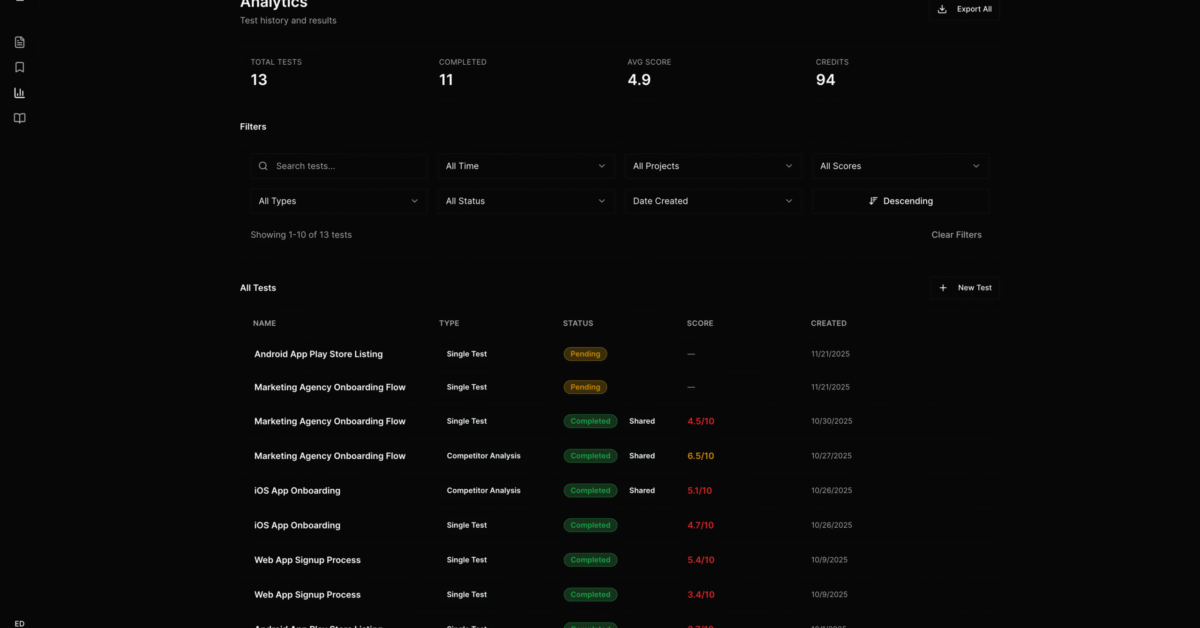
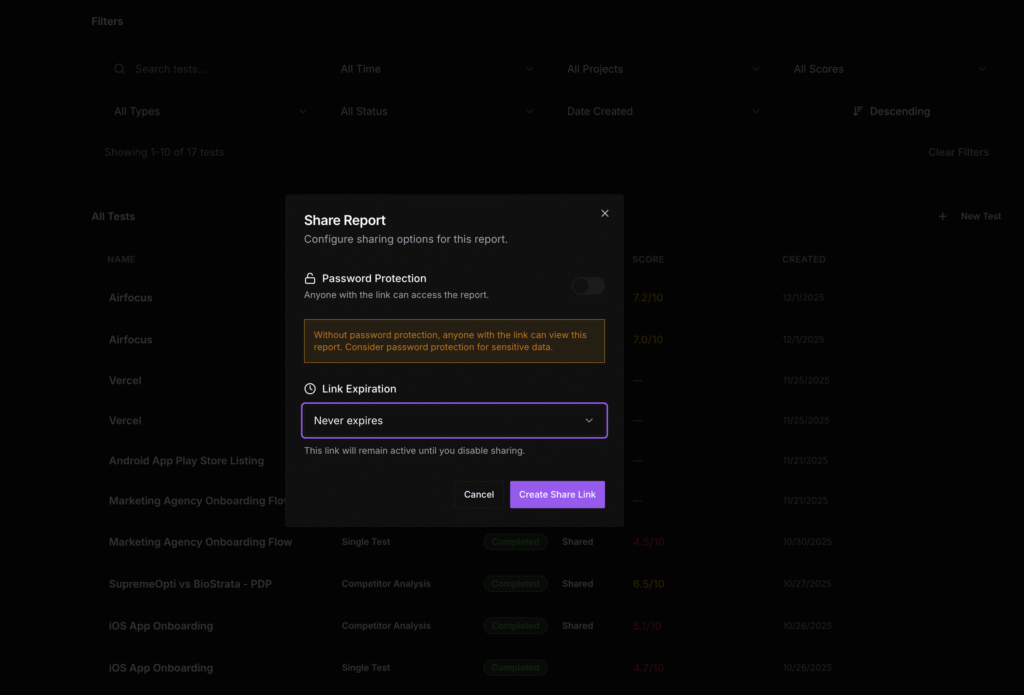
Evelance reports now support sharing controls that give you flexibility over who sees your results and for how long. You can choose public access instead of password-gated links, and you can set links to expire after 7 days or keep them active permanently. You can also turn off sharing entirely when you no longer want a report accessible.
Public or Password-Protected Access
Every shared report link previously required a password. That added a step every time someone needed to view results, which slowed down reviews and created friction when multiple stakeholders needed quick access.
You now choose the access level that fits the situation. Password protection remains available for sensitive competitive analysis or internal research that should stay controlled. Public access removes the authentication step entirely for results that do not require restricted viewing.
The choice sits with you at the moment of sharing. Nothing changes about how the report itself works or what data it displays.
7-Day Expiration or Permanent Links
Shared links previously stayed active until you manually revoked them. That meant old links from completed projects continued floating around with no automatic cleanup.
You now set expiration at the time of sharing. 7-day expiration works for time-bound decisions where the link becomes irrelevant after a sprint ends or a stakeholder meeting concludes. Permanent links serve ongoing reference needs where teams revisit the same report over weeks or months.
Expired links return a notification that the share is no longer active. Recipients can request a new link if they still need access.
Turn Off Sharing Anytime
You can disable sharing on any report whenever you want. Turning off sharing immediately revokes access for anyone with the link, regardless of expiration settings or access type.
This gives you full control if circumstances change after you share something. A report shared during an active evaluation can be locked down once the project concludes or if the findings become outdated.
Why These Controls Matter
Sharing research findings involves trade-offs between speed and security. Requiring passwords on every link protects sensitive data but adds friction that slows collaboration. Leaving links permanently active keeps access simple but creates accumulating exposure over time.
These controls let you make that decision per report rather than accepting a single default for everything. A competitive benchmarking test against a direct rival might need password protection and 7-day expiration. A usability validation shared with your product team might work better as a public permanent link.
The flexibility matches how teams actually work. Different findings serve different purposes with different sensitivity levels.
How It Works
Go to Reports and select the report you want to share. Click the share button to open the sharing panel. Select public access or password-protected from the access options. Choose 7-day expiration or permanent from the duration options.
The link generates immediately and copies to your clipboard. For password-protected shares, you set the password during this step and share it separately with recipients.
Recipients with public links see the full report without any login prompt. Password-protected links display a simple authentication screen before showing results.
To turn off sharing, return to the sharing panel and disable the share toggle. The link stops working immediately.
Available Now
All 3 sharing controls are live for every Evelance account. Open any completed test to access the updated sharing options in Reports.
Previous shared links remain active with their original password protection. You can regenerate links with new settings if you want to change access or expiration on existing reports.